MyHTSpace is the online portal Harris Teeter associates use for pay stubs, W-2s, schedules, time-off requests and benefits. This site is a plain-English help guide to it: where to sign in, how to set up an account the first time, and what to do when the login stops working.
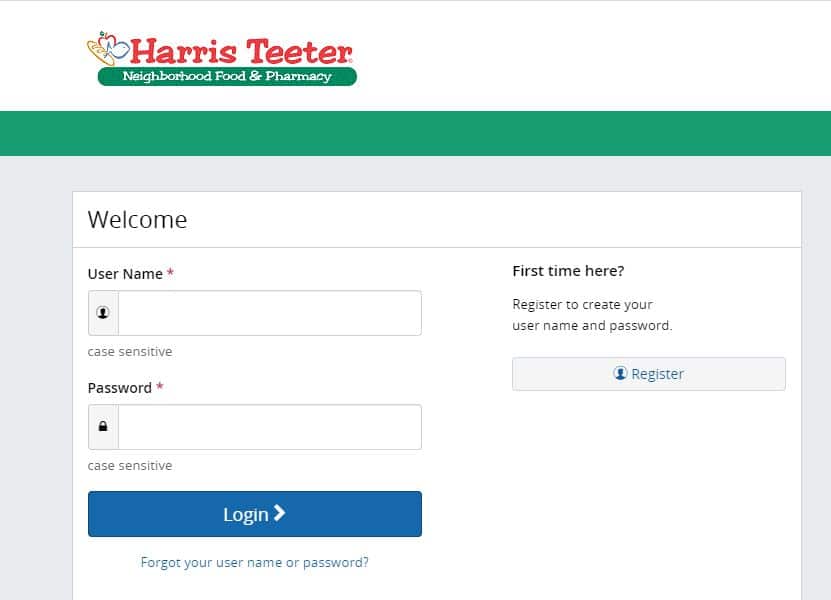
Where to sign in
The sign-in page is run by Harris Teeter, not by this site. Use the button below, then check the address bar before typing anything: the domain should end in harristeeter.com or myhtspace.com. If a page on any other domain asks for your MyHTSpace password or Social Security number, close it.
Go to the MyHTSpace sign-in page →
The portal works in any current version of Chrome, Edge, Safari or Firefox. If the page loads blank or loops back to the login screen, clearing cookies for the site or trying a private window fixes it more often than anything else.
Signing in for the first time
New associates have to register before they can log in. Registration asks you to confirm who you are with personal details from your hiring paperwork, then create a username, password and security questions. Write the username down somewhere safe; it’s the thing people forget most.
Step-by-step instructions, including what the company key field means, are here:
Can’t get in?
Most login problems come down to one of four things: a forgotten password, a forgotten username, a locked account after too many attempts, or a verification code that never arrives. Each has its own guide:
- Forgot your MyHTSpace password
- Forgot your username
- MyHTSpace login not working: fixes to try
- Two-factor authentication and verification codes
If none of that works, the fix has to come from Harris Teeter. Your store’s people leader or HR contact can unlock or reset the account. Our guide to getting HR support explains who to ask and what to have ready.
What you can do in MyHTSpace
Pay and tax documents
- View and download pay stubs
- Harris Teeter pay schedule
- Set up or change direct deposit
- Paperless pay
- Download your W-2
Schedule and time off
Benefits
- Harris Teeter employee benefits overview
- Managing your benefits in MyHTSpace
- Benefitsolver login
- Open enrollment
- 401(k) and retirement
Your account
Using MyHTSpace on your phone
The portal opens in a mobile browser, so you can check a pay stub or schedule without a computer. Bookmark the real sign-in page instead of searching for it each time; that’s the easiest way to avoid landing on a lookalike site. More in our mobile login guide.

Left Harris Teeter?
Former associates usually still need a final pay stub or a W-2 the January after they leave. Access rules are different once you’re no longer on payroll, so see MyHTSpace for former employees before you try to log in.
Keeping your account safe
- Only type your password on Harris Teeter’s own domain.
- Don’t share your login with a coworker, even to check a schedule for you.
- Sign out on shared computers, including the break-room PC.
- Treat calls, texts or emails asking for your MyHTSpace login as phishing.
Common questions
Is this the official MyHTSpace website?
No. This is an independent help guide. The portal itself belongs to Harris Teeter, and you sign in on their site.
Can you reset my password or unlock my account?
No. We have no access to Harris Teeter’s systems. Use the forgot-password link on the sign-in page, or ask your store’s HR contact.
Why does MyHTSpace keep logging me out?
Sessions time out after a period of inactivity, and blocked cookies can cause a login loop. Allow cookies for the site or try another browser. Our troubleshooting guide covers the rest.
Where do I find my W-2?
W-2s are posted in the portal’s pay and tax section once they’re issued for the year. Step-by-step: download your W-2.
Last reviewed November 2026. Spotted something out of date? Let us know and we’ll fix it.